Take a break or end a focus session
Sometimes you need a blocked app in the middle of a session: a map, a message, a code. Moneyfesting lets you take a short break or end the session. Each takes one extra step, so leaving stays a choice rather than a reflex.
Updated 10 November 2026. Steps checked on iOS 26.1.
Take a break
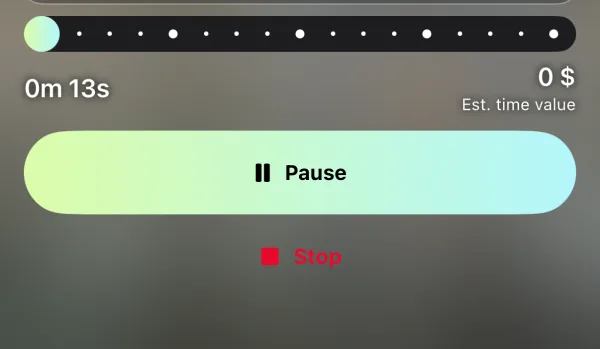
- On the session screen, tap Pause.
- Choose how long, from 1 to 15 minutes. Five minutes is preselected.
- Tap Confirm Break.
Your apps open freely during the break. When it ends, the session carries on and blocking turns back on by itself. To come back sooner, tap Resume.
End the session
- On the session screen, tap Stop.
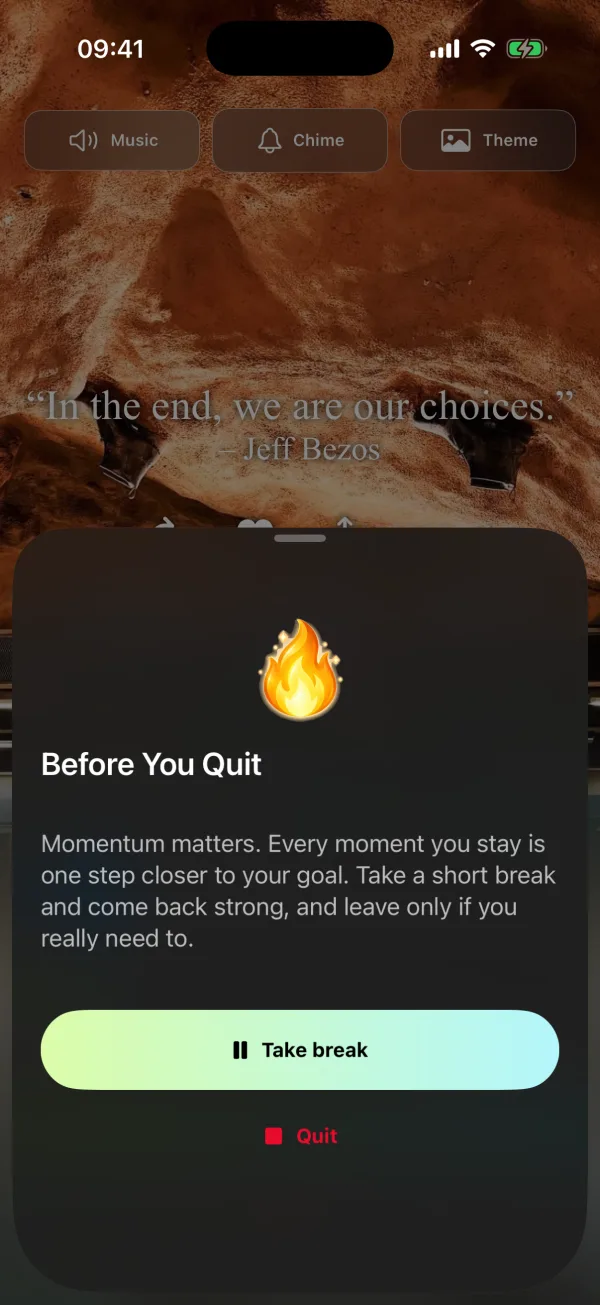
- Before You Quit asks once more. Tap Quit to end the session, or Take break for a short break instead.
Stop blocking from the Home Screen
When you can't wait for the app to open, touch and hold the Moneyfesting icon on the Home Screen and choose Stop blocking. It ends the running session straight away, without the extra question. The option appears only while blocking is on.
Questions
Does a break end my session?
No. The session timer keeps its place, and blocking returns by itself when the break ends.
Can I make breaks longer than 15 minutes?
No. For longer, end the session and start a new one when you're ready.
Why does Stop ask twice?
An urge often passes in a few seconds. The second question gives you that moment, and a short break is often enough.